Build an e-learning lesson with a quiz and export it as SCORM
Create a Flow lesson with sections, exercises and multiple-choice questions, then export it for your training platform.
12 min · 6 steps · for everyone
- Step 1
Ask for the lesson
Attach your source document and describe the lesson: length, audience, structure and types of exercise. Learnya proposes an outline of sections before writing.
TypeCreate a fifteen-minute Flow lesson on good IT security habits for all staff, based on the attached IT Charter. Three sections, an accordion on everyday routines, a matching exercise and an eight-question multiple-choice quiz at the end. Try in Learnya - Step 2
Review the sections
Open the lesson in Flow. Each section appears as a block you can move, shorten or rewrite. Start from a template if you want a ready-made layout.
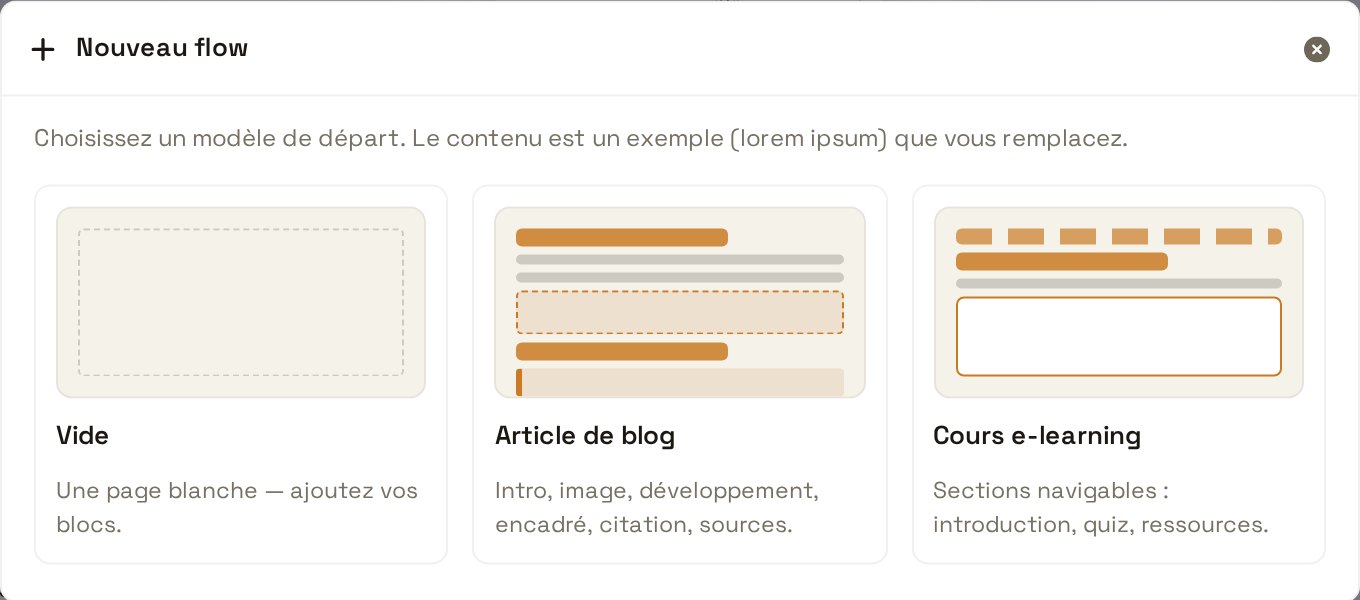
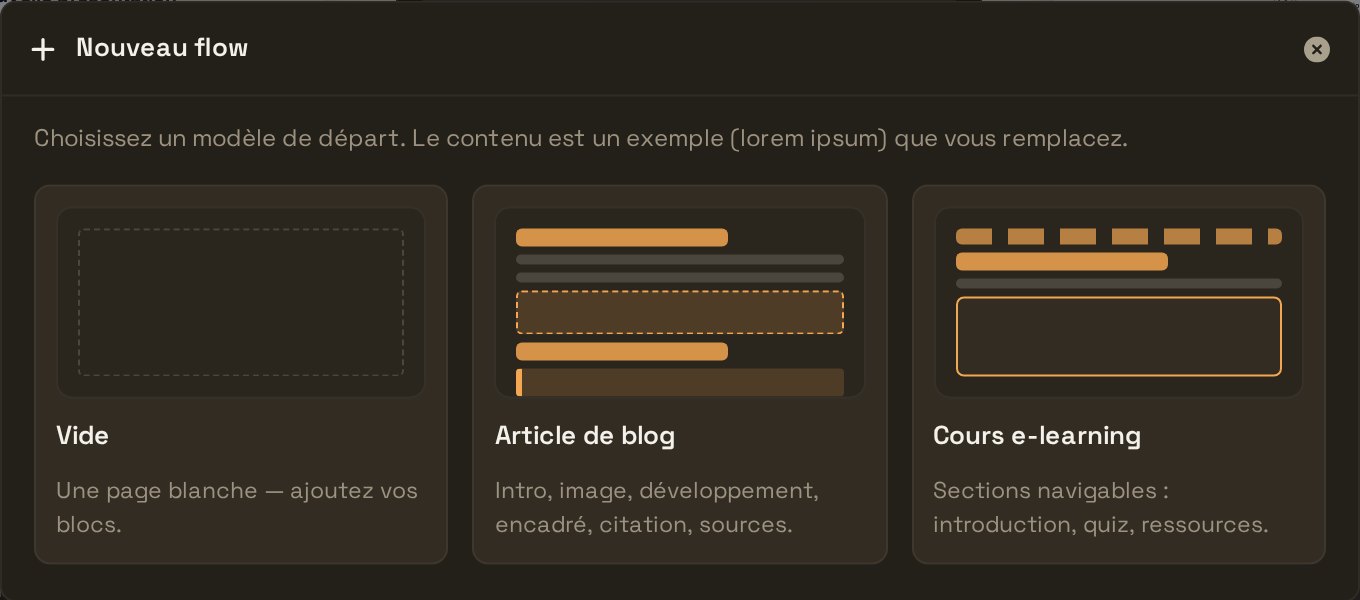
Review the sections - Step 3
Fine-tune the quiz
Click the multiple-choice block. Check the correct answer to each question and add short feedback that explains why. Do the same for the matching exercise.
- Step 4
Add narration
Ask for an audio narration of the sections. The speech synthesis is computed in Geneva, and learners can listen to the lesson instead of reading it.
- Step 5
Test it as a learner
Switch to preview and go through the lesson from start to finish, quiz included. Fix anything that trips you up before publishing.
- Step 6
Export as SCORM 2004
Open the Export menu and choose SCORM 2004. Import the resulting .zip file into your training platform. The xAPI and cmi5 formats are also available if your platform expects them.