Learn to work with AI.
Courses, tutorials and concrete use cases for every product and every job. Free, at your own pace.
- 9
- courses
- 75
- lessons
- 13
- tutorials
- 18
- use cases
Four first tasks to try.
Each takes under ten minutes. Copy the request, paste it into Learnya and follow the tutorial step by step.
- 15 min Your first request and approvals
Find the Federal Council’s three latest press releases on data protection, summarise them on one page with the sources, then prepare an email to my team presenting them.
Try in LearnyaThe tutorial - 27 min Create a deck from a document
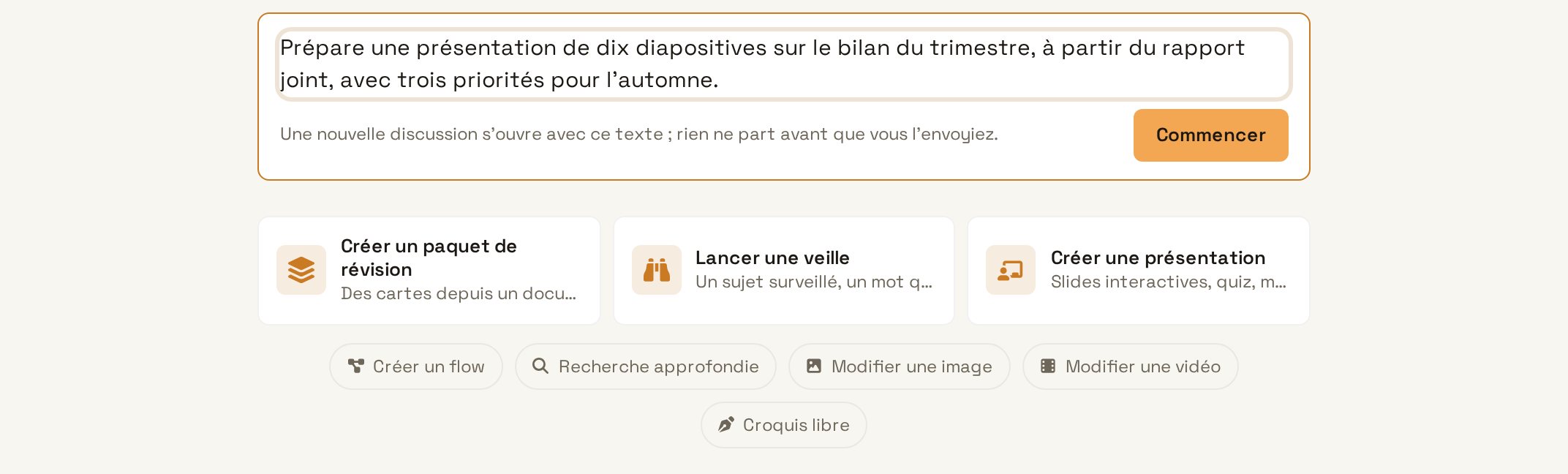
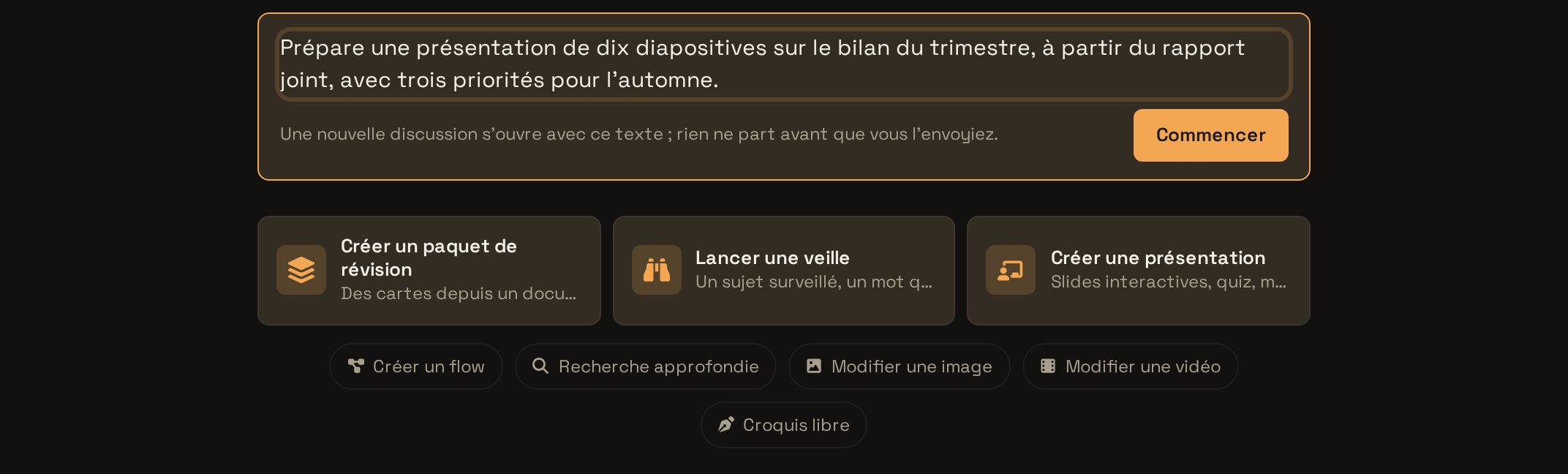
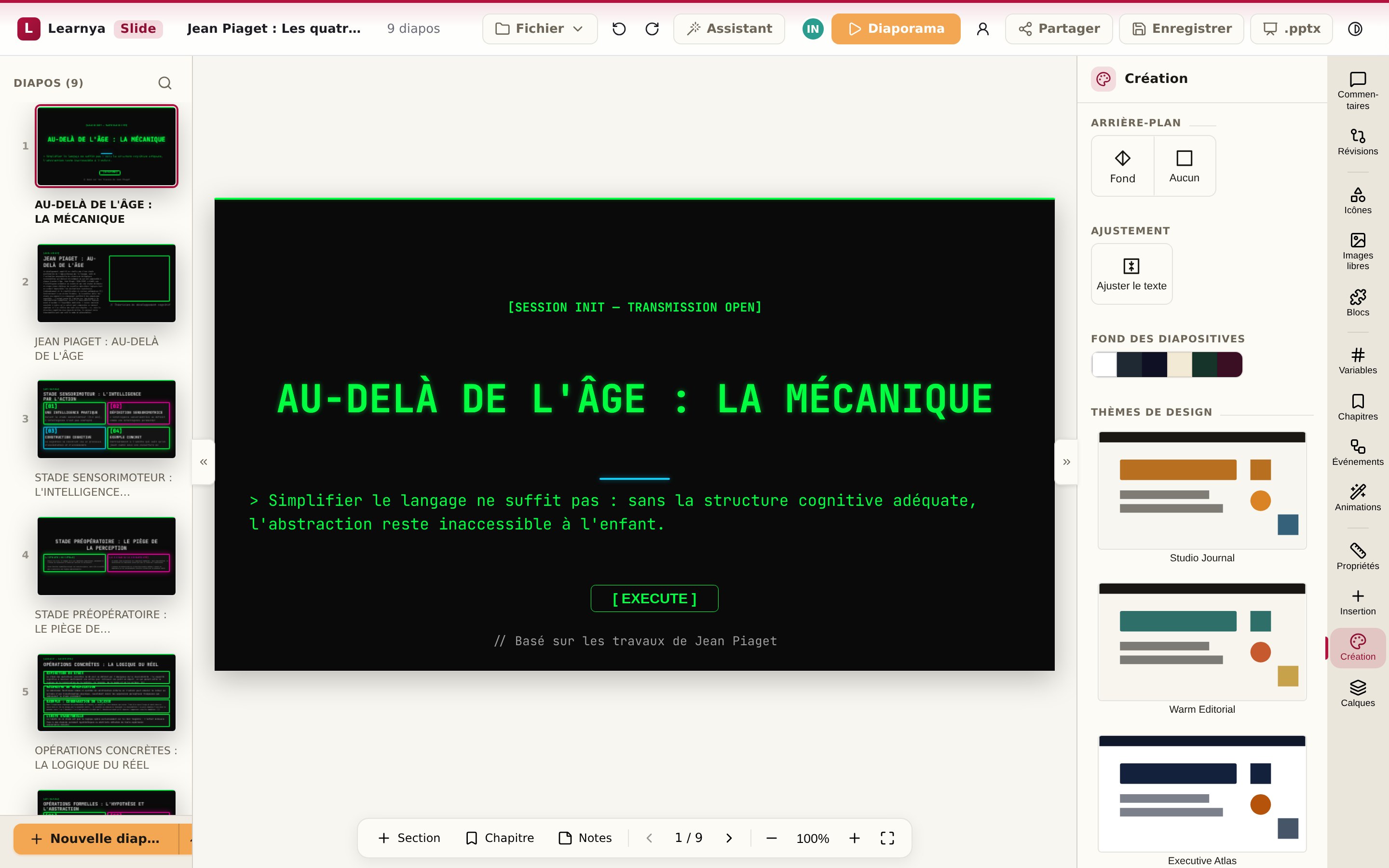
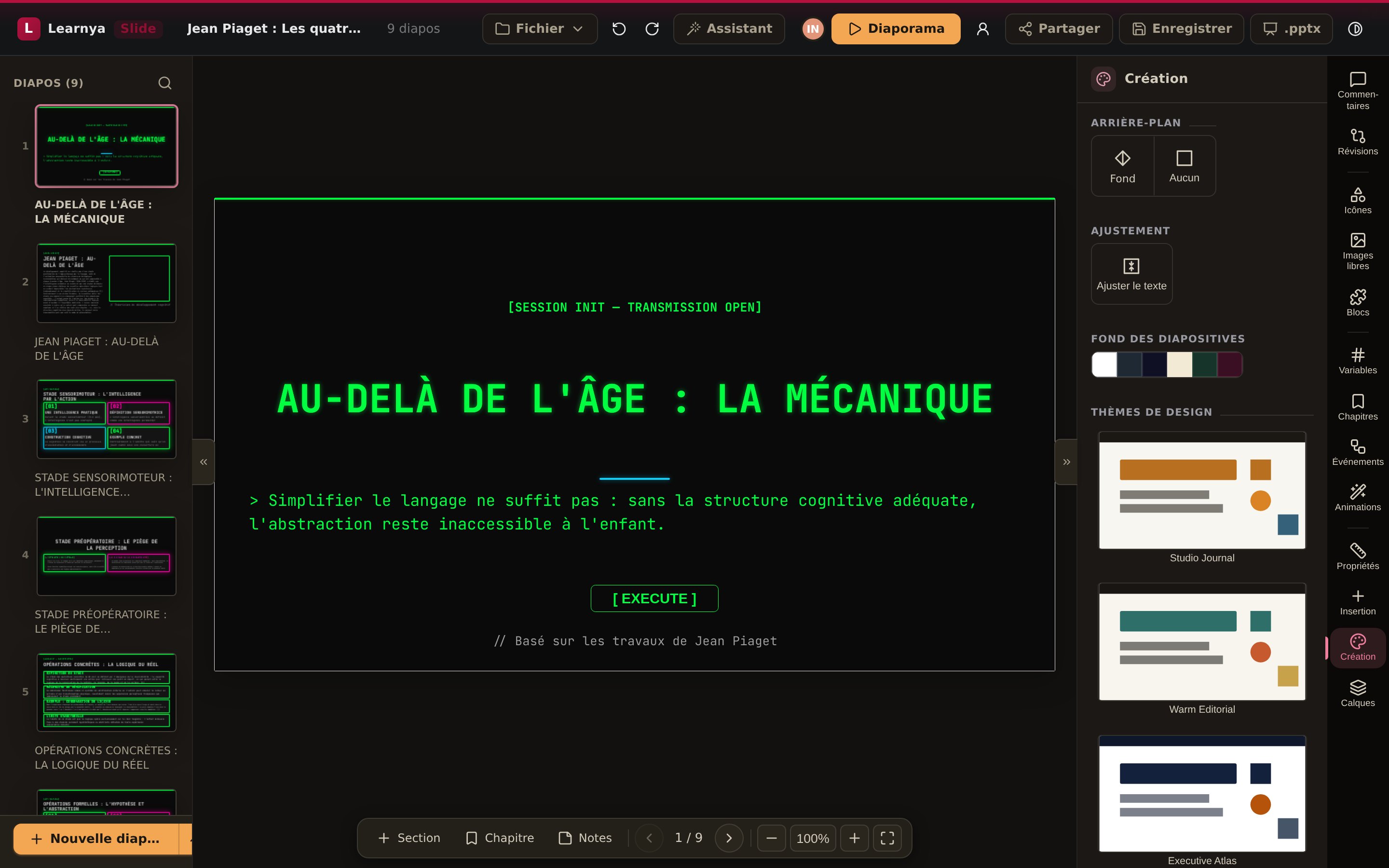
Make a ten-slide deck from this report for Tuesday’s executive committee. One idea per slide, the key figures in large type, and a final slide with the decisions to be made.
Try in LearnyaThe tutorial - 36 min Transcribe a meeting and get the minutes
Write the minutes of this meeting: participants, points discussed, decisions, actions with owner and deadline. Then prepare a follow-up email to the participants.
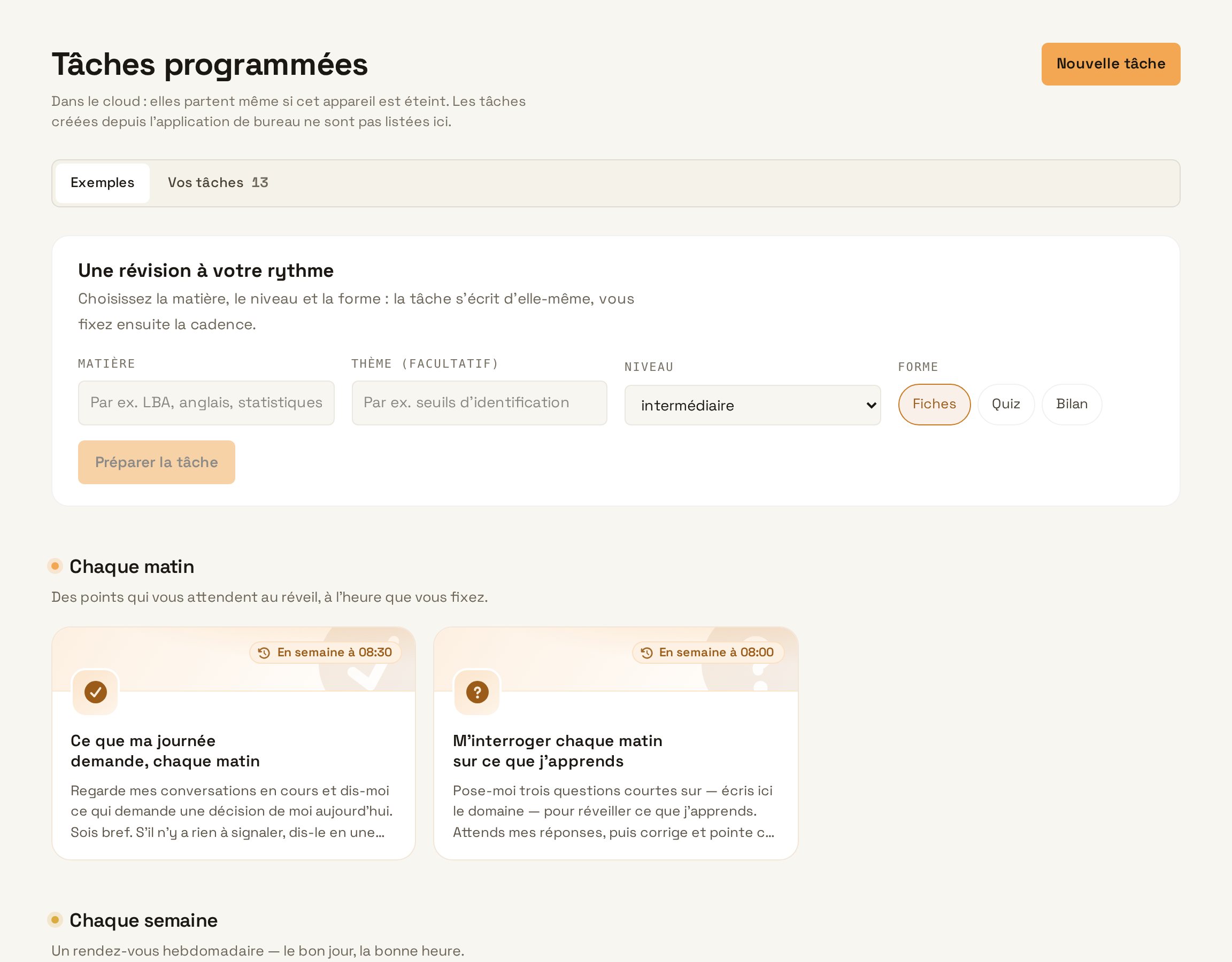
Try in LearnyaThe tutorial - 46 min Schedule a weekly report
Every Friday at 16:00, review the week on the Website redesign project: documents changed, decisions made in the threads, missed deadlines. Write a one-page report and email it to me.
Try in LearnyaThe tutorial
By your goal, or your role.
Go straight to the resource that answers your need, or follow a path that chains the courses in the right order.
The essential moves, then the good habits for working with an agent.
Design useful assistants and automations, and get them adopted.
How models work inside, how they are used in systems, ethics and education, with the scientific references.
Accounts, roles, security and compliance, to open Learnya to everyone.
Mastering AI at work.
In-depth courses that stay valid as models and features evolve. Each course ends with a quiz and a badge.
Understanding AI in depth.
How a model works, how it becomes a system, what ethics requires and what research says about learning. Every lesson cites its scientific sources.
Learn product by product.
For each product, where to start, what administrators need to know and tasks to try.
Use cases, team by team.
The exact request to copy, what Learnya does and what you get.
Requests ready to copy.
Written to get a good result the first time, with the tip that makes the difference.
Prepare a reply to Marc’s latest email about the delivery delay. Calm, factual tone. Acknowledge the delay, propose a new date and promise nothing else. Keep it as a draft.
The draft stays in your mailbox. Nothing is sent without your sign-off.
Try in LearnyaLook at my calendar and my tasks for this week. Suggest three two-hour slots to make progress on the budget, without touching any client meetings.
Learnya suggests, you approve before anything is added to the Agenda.
Try in LearnyaIn the attached sales file, which three products have seen their margin fall over the last three months? Show the calculation and make a simple chart.
Asking for the calculation keeps you from trusting a figure without checking it.
Try in LearnyaWhen did we decide to change our printing supplier, and who was present? Search my emails and the meeting minutes.
Learnya cites the messages and documents it finds.
Try in LearnyaUsing the attached chapter, create a quiz of ten multiple-choice questions. Only one correct answer, plausible distractors, and an explanation for each answer.
The quiz can then go into a lesson exported as SCORM.
Try in LearnyaFor the trade fair on 20 March, prepare a campaign on LinkedIn, Instagram and the newsletter. An announcement 30 days before, a reminder 7 days before, a post on the day and a thank-you the day after. I approve each post.
Each post waits for your approval before it goes out.
Try in LearnyaDeploy and govern.
Members, roles, SSO and integrations, step by step.
Learn together.
Because what works spreads from one person to the next.
A programme for your champions
Trained colleagues who support their peers and report what they need.
In Geneva and Lausanne
Hands-on workshops by profession: you leave with an assistant that works.
Monthly sessions
What’s new, use cases and questions, live with the Learnya team.