Schedule a weekly report
Hand Learnya a report that writes itself every week, at the time you choose.
6 min · 5 steps · for everyone
- Step 1
Create the task
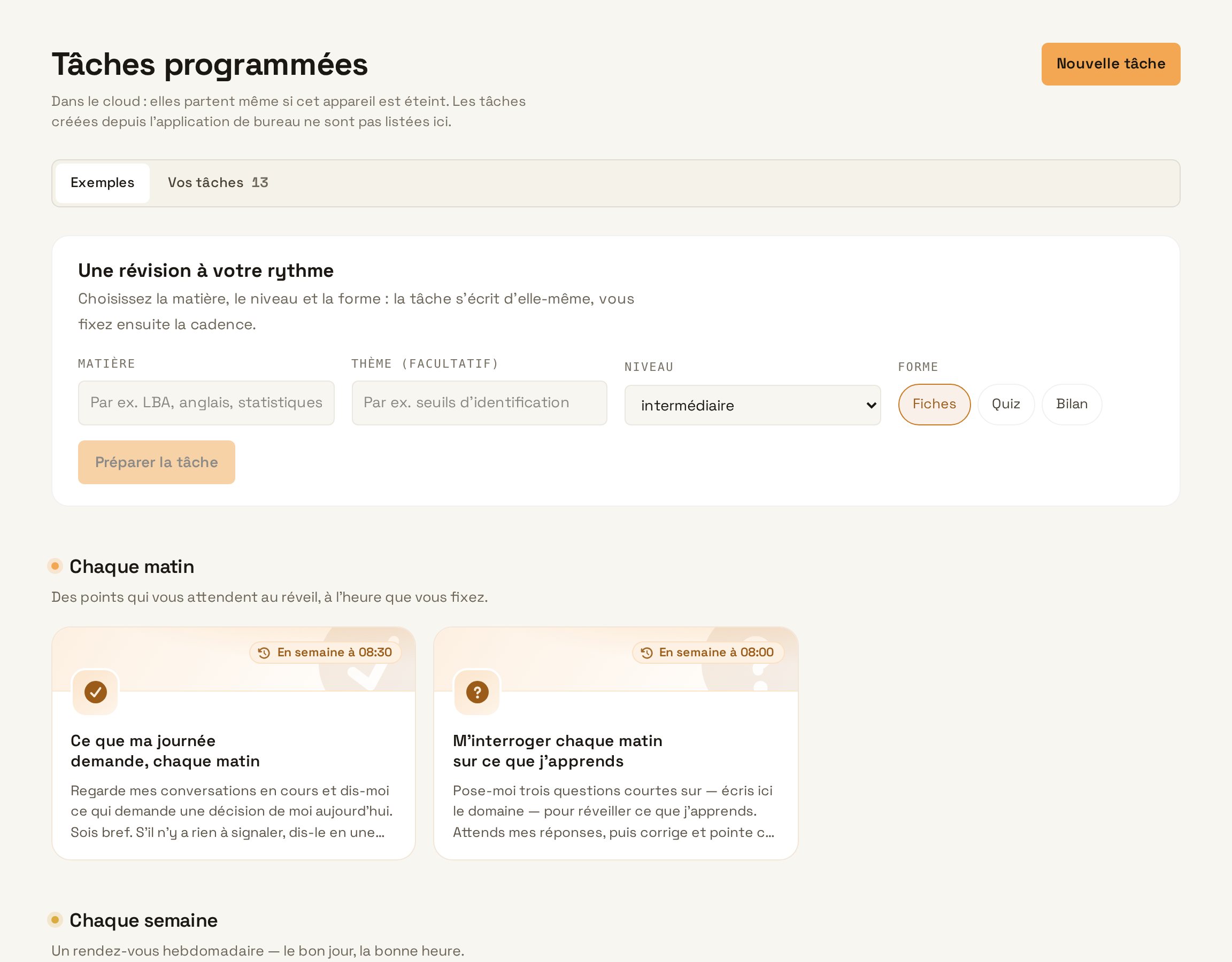
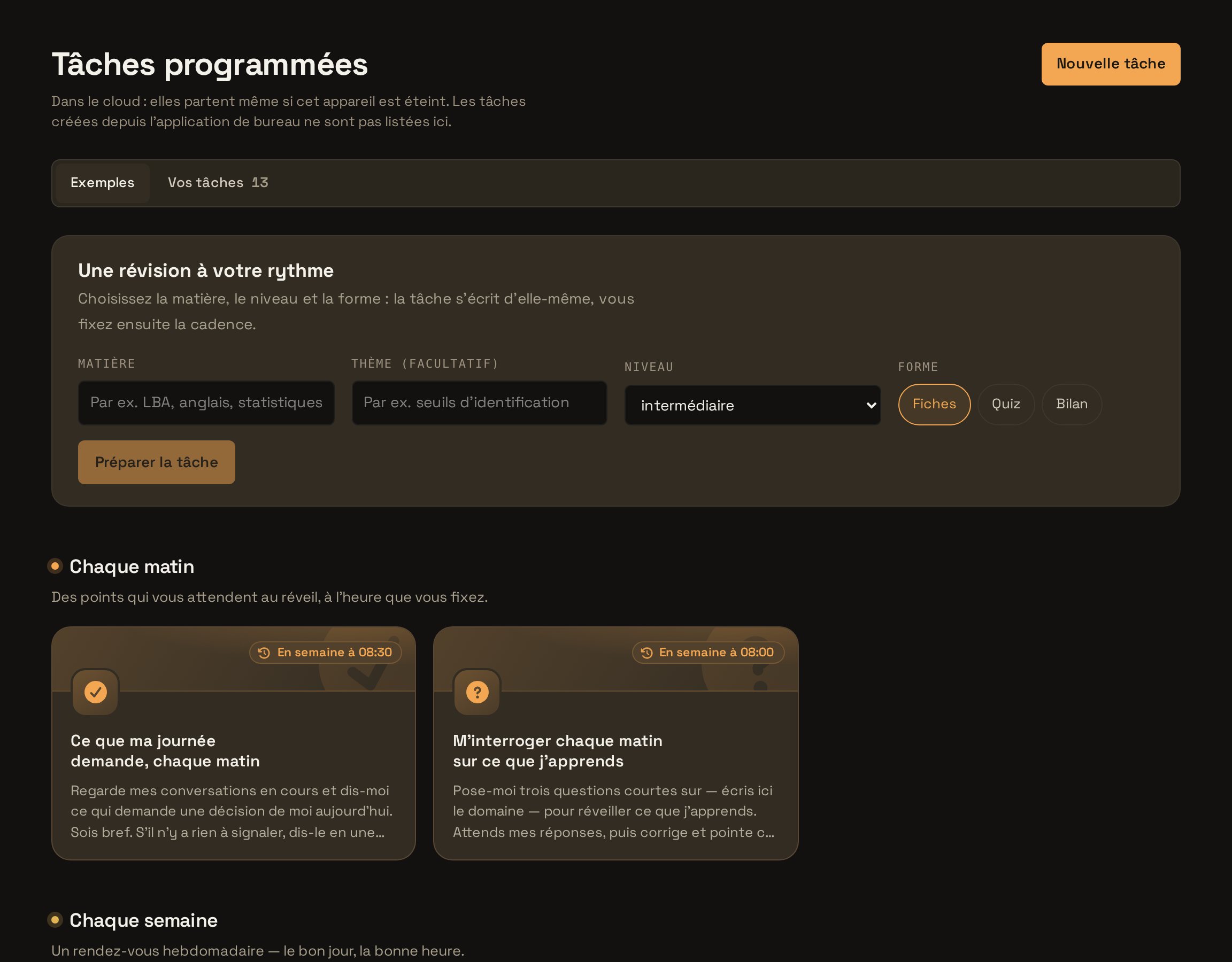
Open Automations and click “New task”. The scheduler shows your existing tasks and their status.
Create the task - Step 2
Describe the report
Write the instruction as you would give it to a colleague. Specify the sources, the format and the recipient.
TypeEvery Friday at 16:00, review the week on the Website redesign project: documents changed, decisions made in the threads, missed deadlines. Write a one-page report and email it to me. Try in Learnya - Step 3
Choose the schedule
Select the “Every week” option, tick Friday and set the time to 16:00. No technical syntax to learn. Five schedule options cover everyday needs.
- Step 4
Read the task’s status
The task shows its status in one sentence, for example the date of the next run and the result of the last one. Launch a test run to check the report straight away.
- Step 5
Follow the activity
The activity feed shows what each task has produced, its effects and the approval history. If the report has to go to other people, sending it goes through your approval.
Follow the activity