Academy
All resources.
Courses, tutorials and use cases. Filter by type, product or team.
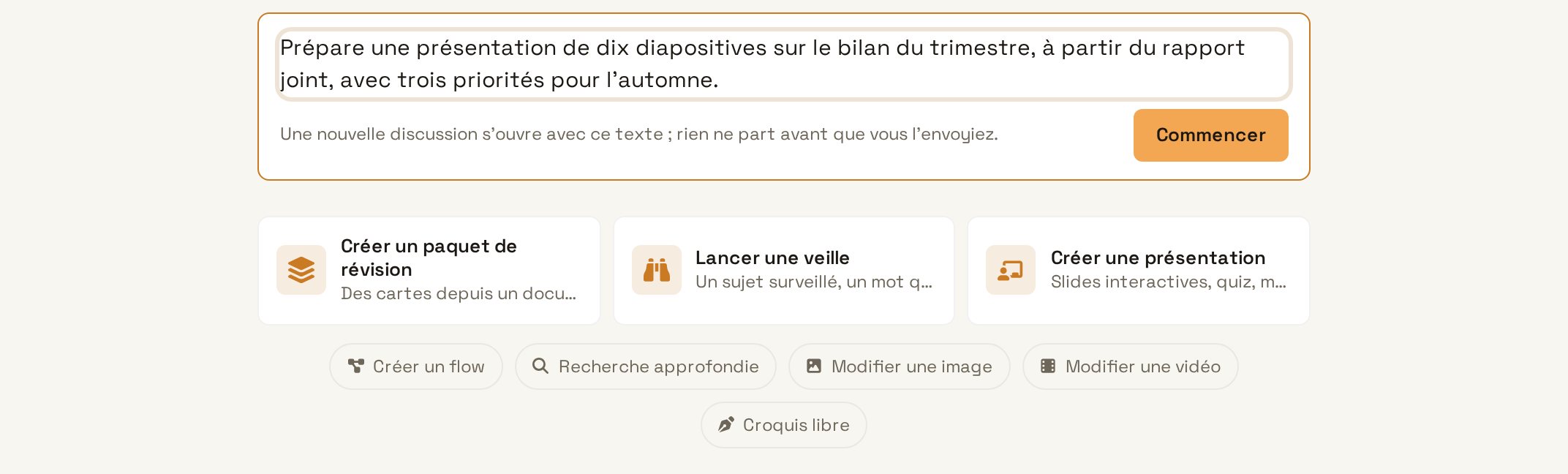
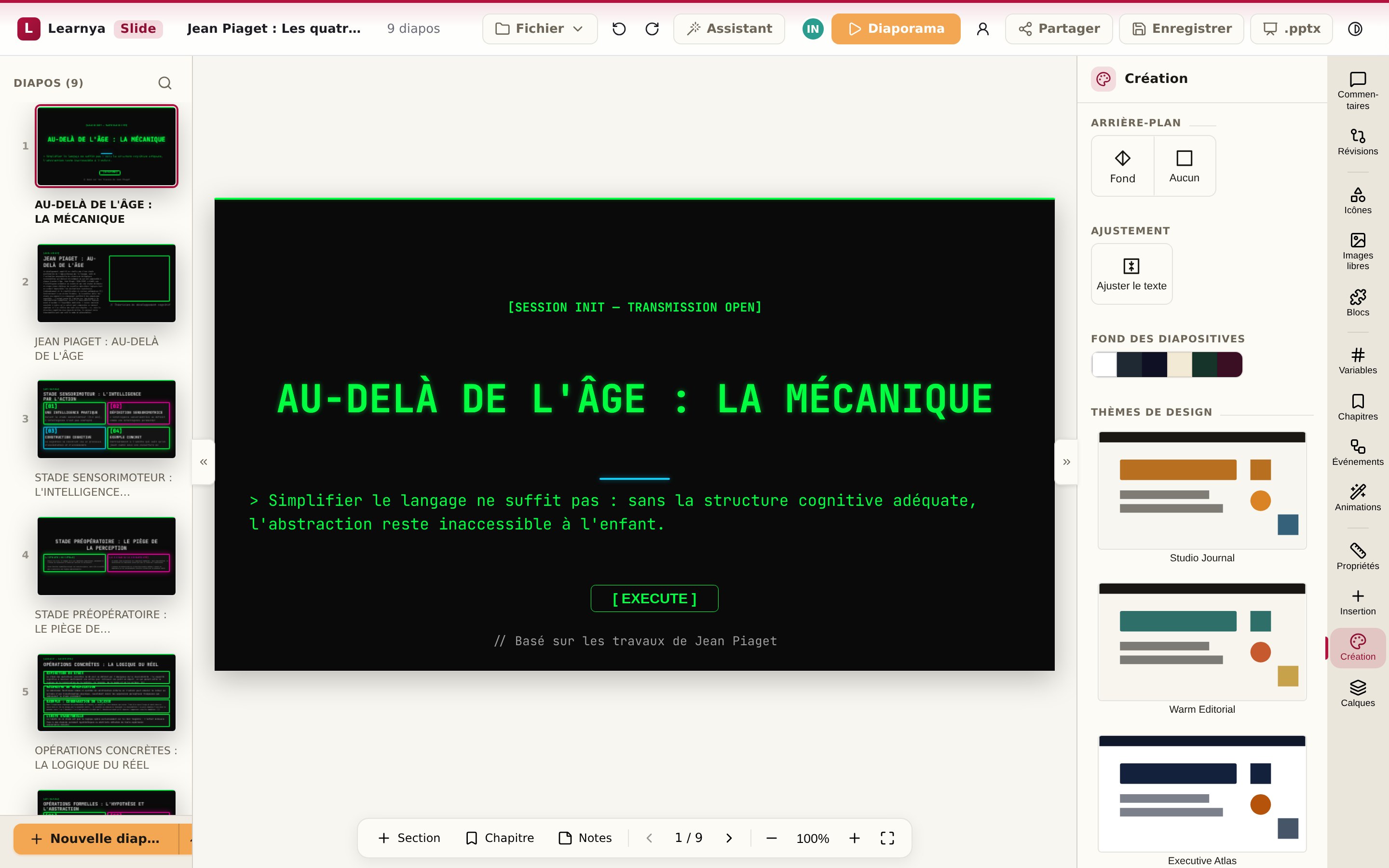
Tutorial · Agentic assistantYour first request and approvalsMake a multi-step request, follow Learnya’s plan and stay in control of every action that commits you. Tutorial · Office suiteCreate a deck from a documentTurn a Word or PDF report into a presentation ready to show, then fine-tune it in Deck. Tutorial · Office suiteBuild an e-learning lesson with a quiz and export it as SCORMCreate a Flow lesson with sections, exercises and multiple-choice questions, then export it for your training platform. Tutorial · Audio and voiceTranscribe a meeting and get the minutesRecord or import a meeting, get the transcript and minutes with decisions and actions. Tutorial · Drive and projectsOrganise a project in the DriveBring a project’s threads, documents, members and deadlines together in one place, with an assistant that knows its context. Tutorial · AutomationsSchedule a weekly reportHand Learnya a report that writes itself every week, at the time you choose. Tutorial · AutomationsSet up a watchMonitor pages, topics or sources and get notified when something really changes. Tutorial · Calendar and mailConnect a mailbox and let Learnya prepare the repliesLink your email account, decide what Learnya can do and confirm every message before it is sent. Tutorial · Calendar and mailShare your AgendaBring your calendars together, share your availability with your colleagues and let Learnya suggest slots. Tutorial · LearningCreate a review deck and use “Today”Generate review cards from a document and review what is due each day, without having to think about the schedule. Tutorial · LearningCreate a goal with “Make a plan”Describe a goal, let Learnya suggest the tracks to follow and find each step in “Today”. Tutorial · AdministrationInvite members and set rolesAdd your colleagues, assign the right roles and secure access to your workspace. Tutorial · DevelopersCall the API with the OpenAI SDKConnect an existing application to the Learnya API by changing only the address and the key of the OpenAI client.