Tutorial · Automations
Set up a watch
Monitor pages, topics or sources and get notified when something really changes.
5 min · 5 steps · for everyone
- Step 1
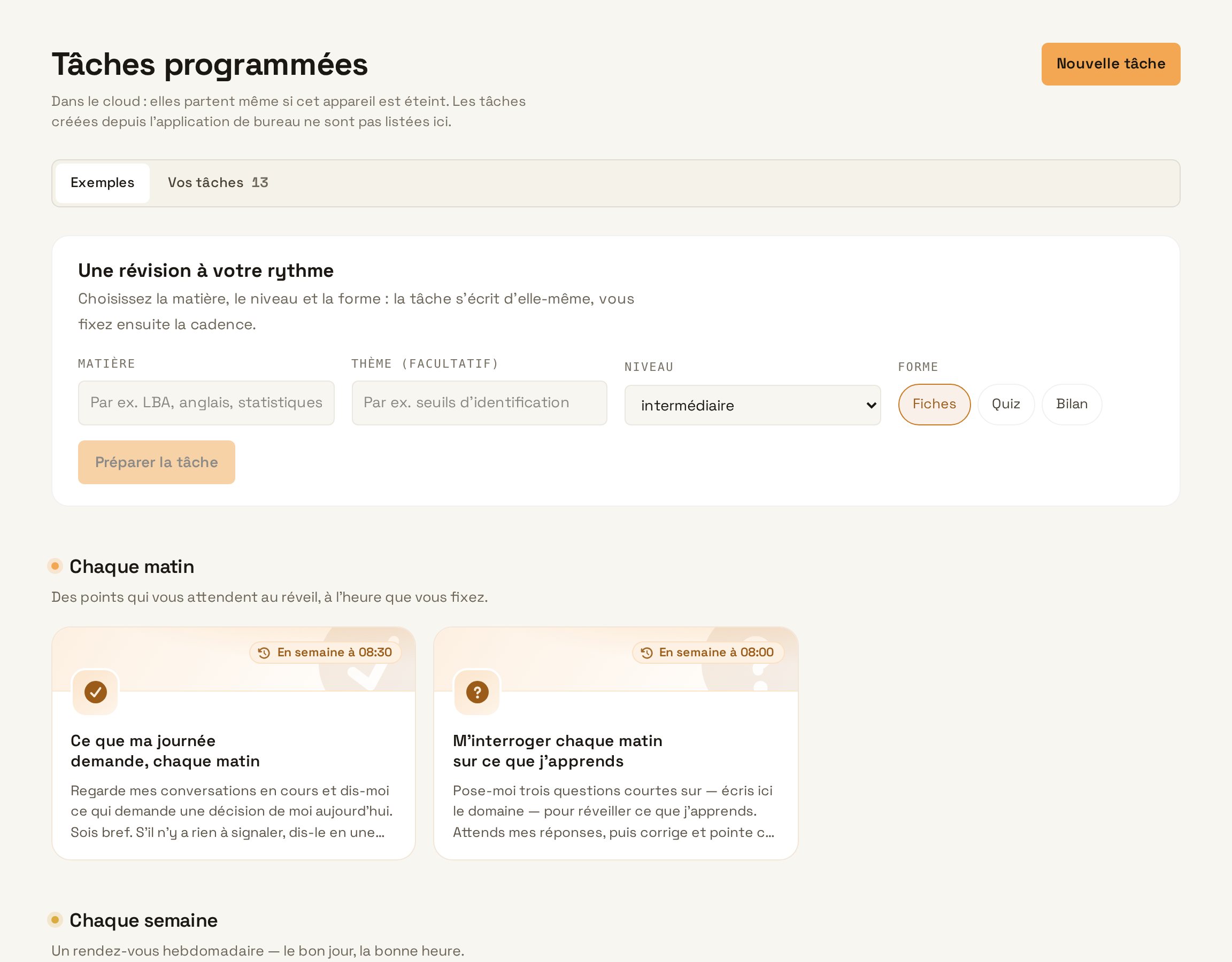
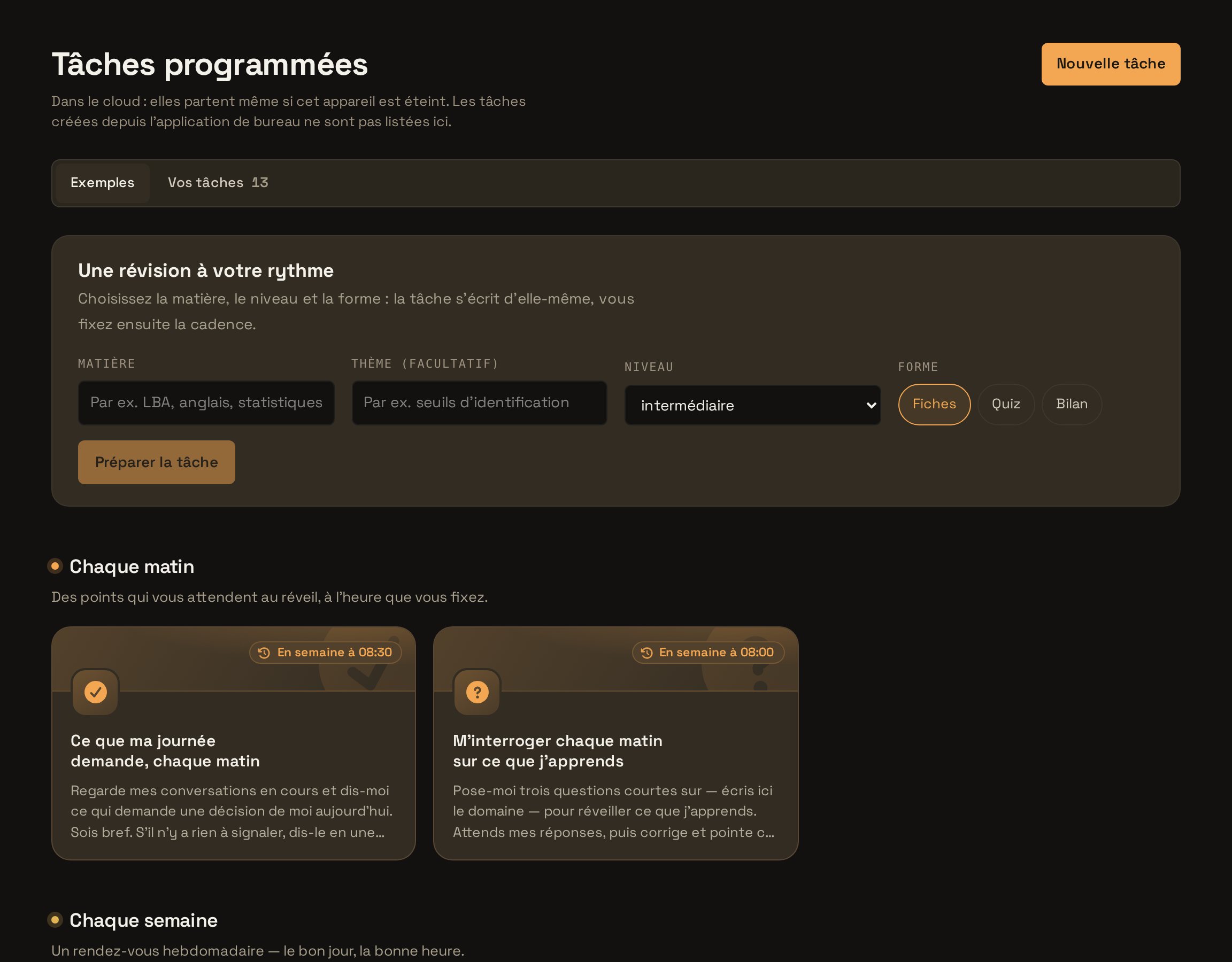
Open Watches
In Automations, open the Watches tab and create a new watch.
Open Watches - Step 2
Say what matters
Specify the pages or topics to follow and what deserves an alert. The sharper the criterion, the less noise you get.
TypeMonitor Innosuisse’s calls for proposals page and the news on innovation funding in Switzerland. Let me know when a new call concerns digital SMEs, with the deadline and the link. Try in Learnya - Step 3
Set the frequency
Choose how often to check, for example every day at 08:00. A watch only writes to you when it finds a change that meets your criterion.
- Step 4
Choose where to be notified
Turn on notifications on the web, in the desktop app or on your phone. Each alert cites the page and the passage that changed.
- Step 5
Refine over time
Check the activity feed after a week. If an alert was not useful, sharpen the watch’s criterion in one sentence.
Refine over time