Tutorial · Calendar and mail
Share your Agenda
Bring your calendars together, share your availability with your colleagues and let Learnya suggest slots.
5 min · 4 steps · for everyone
- Step 1
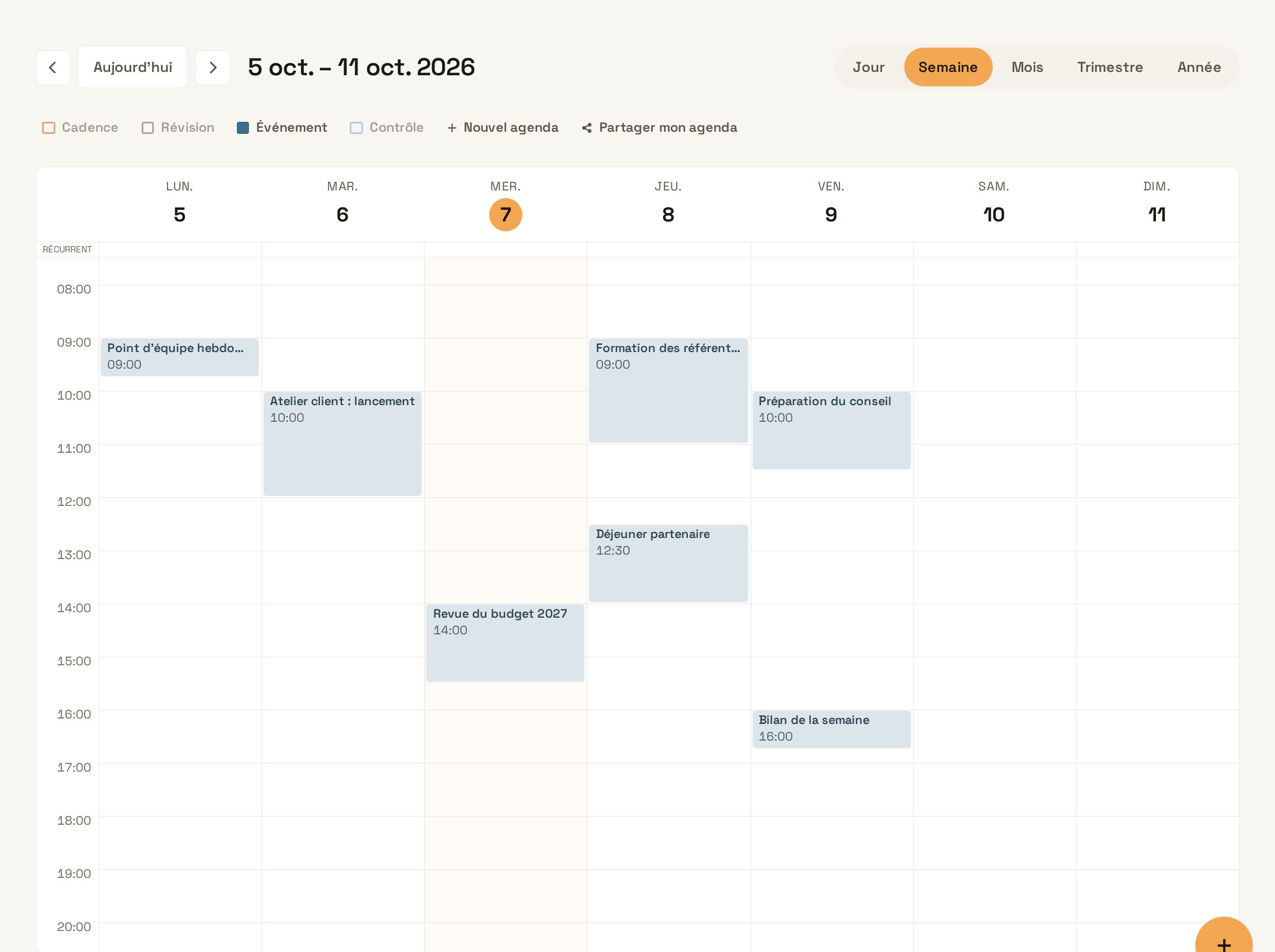
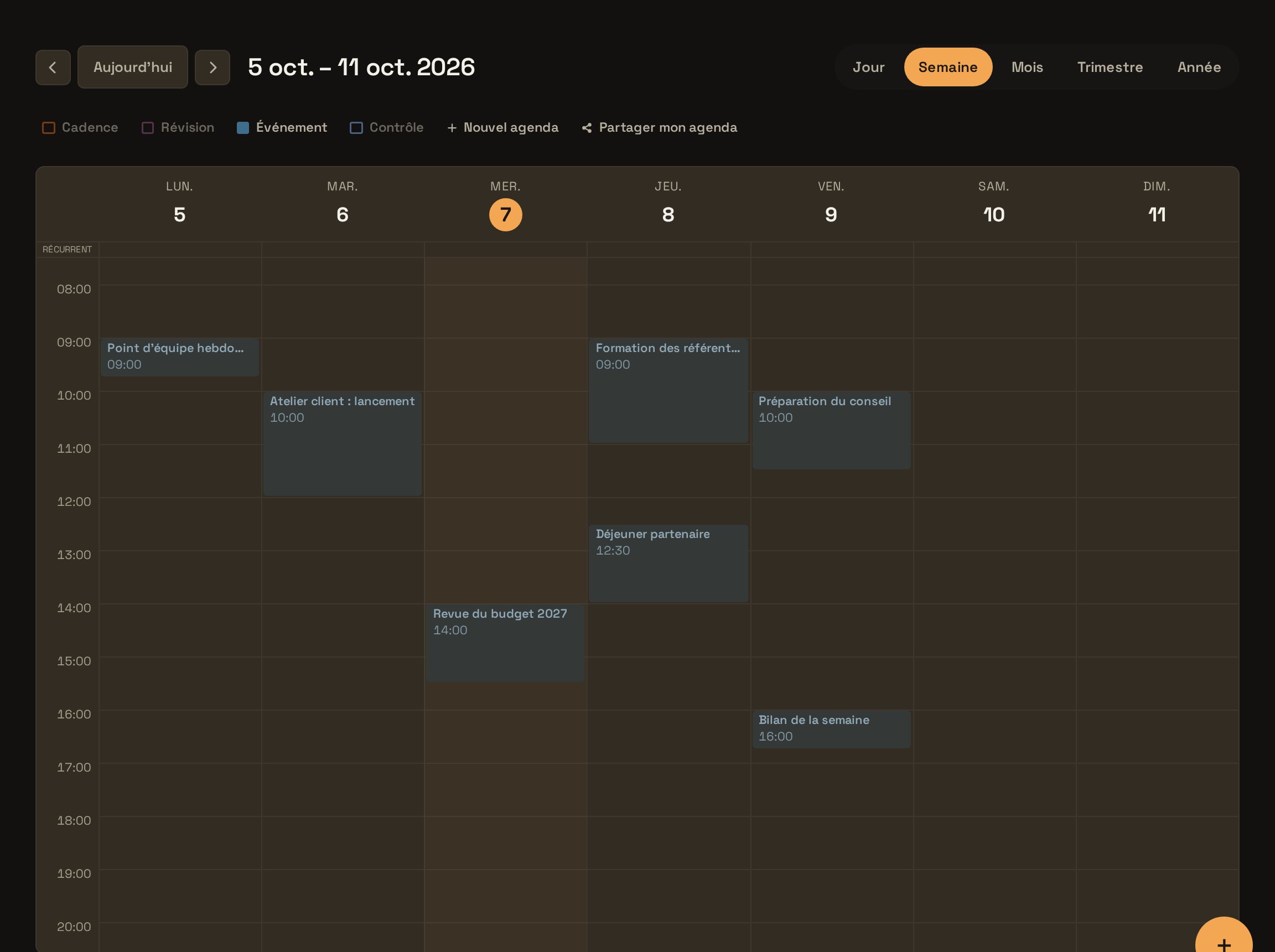
Open the Agenda
Open Agenda and choose the view that suits you: year, quarter, month, week or day.
Open the Agenda - Step 2
Add your calendars
Subscribe to your Google, Outlook or iCloud calendars. Their events appear alongside Learnya’s, for a complete view of your availability.
- Step 3
Share with a colleague
In the Agenda settings, add a colleague and choose the sharing level: event details, or only busy times.
- Step 4
Ask for a common slot
Learnya cross-checks the shared calendars and suggests a slot. The invitation is only sent after your approval.
TypeFind an hour with the Finance team next week for the budget review, preferably in the morning, and suggest the slot to me. Try in Learnya