Create a review deck and use “Today”
Generate review cards from a document and review what is due each day, without having to think about the schedule.
6 min · 5 steps · for everyone
- Step 1
Create the deck
Open Review and create a deck from a document or a topic. Attach the document and describe the cards you want.
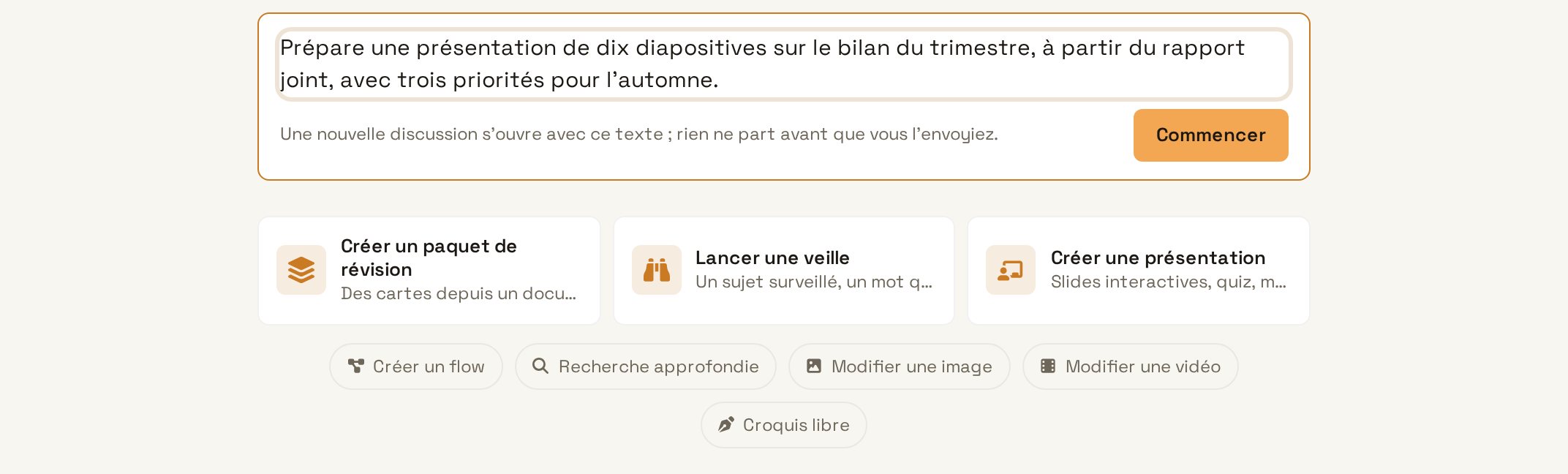
TypeCreate a forty-card review deck from chapter 2 of the Quality Manual, one question per rule and a short answer. Try in Learnya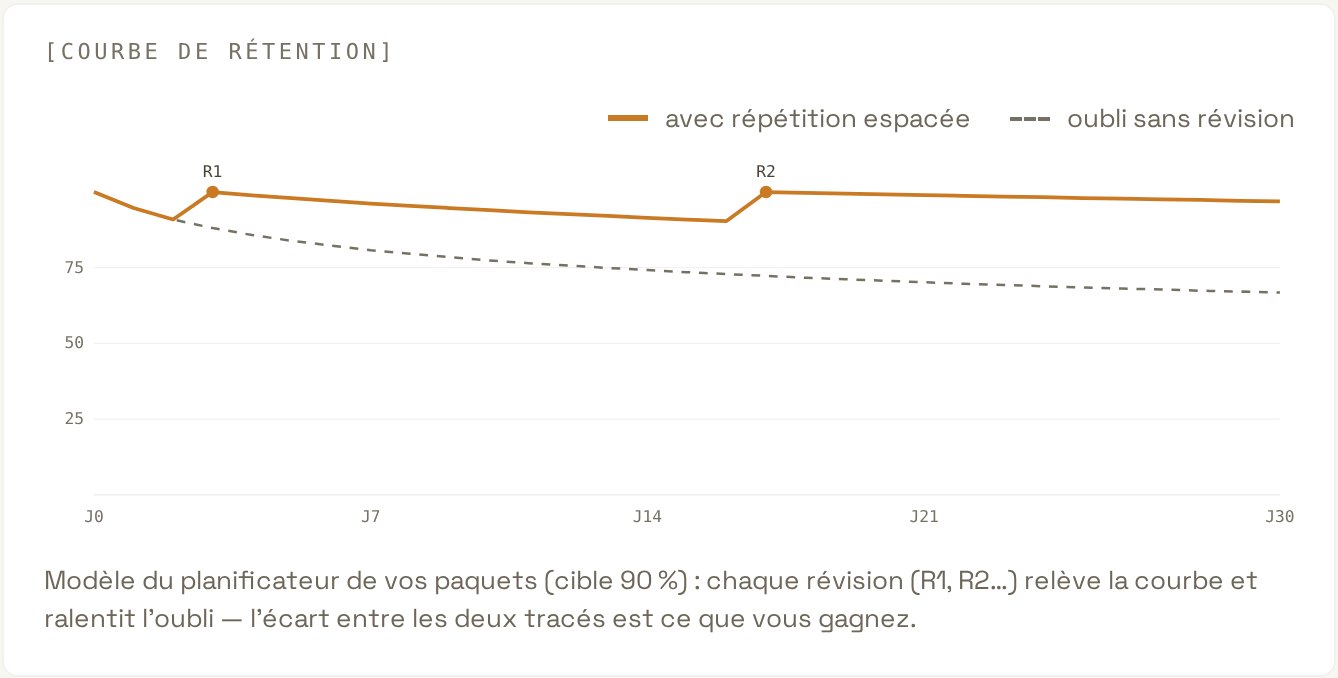
Create the deck - Step 2
Review the cards
Go through the suggested cards. Reword an ambiguous question, delete a duplicate. A card should test only one idea.
- Step 3
Open “Today”
The “Today” screen brings together the cards due that day, along with the steps of your goals. Start the session in one click, on the web or on your phone.
Open “Today” - Step 4
Rate your recall
For each card, say honestly whether the answer came easily, with difficulty or not at all. Spaced repetition (FSRS) works out when each card will next be shown.
- Step 5
Come back every day
A few minutes a day is enough. The cards you have mastered come back less and less often, the others more often.