Create a goal with “Make a plan”
Describe a goal, let Learnya suggest the tracks to follow and find each step in “Today”.
5 min · 5 steps · for everyone
- Step 1
Choose the area
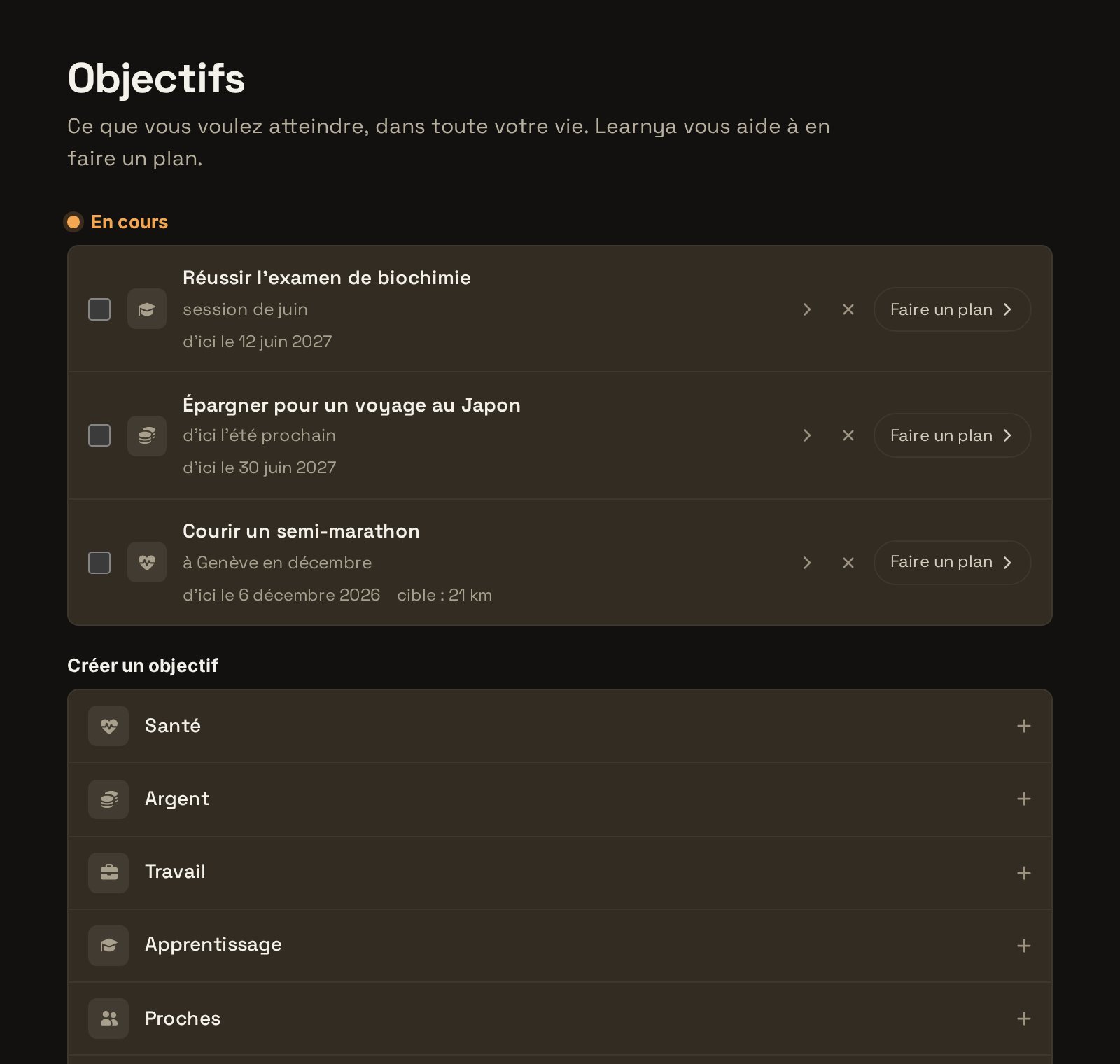
Open Goals and create a goal. Choose its area from Health, Money, Work, Learning, People, Home or Other.
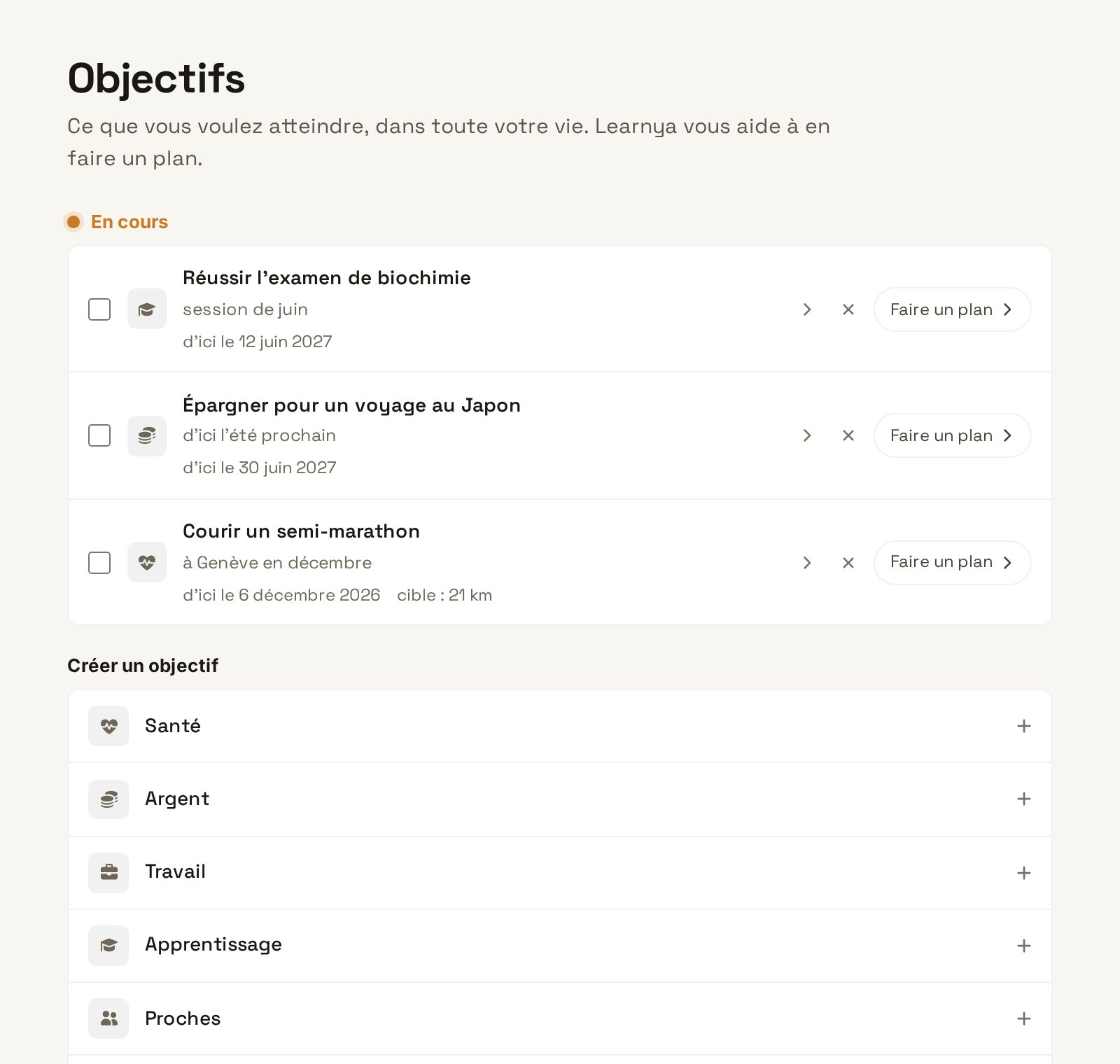
Choose the area - Step 2
Phrase the goal
Write the goal with a deadline, for example “Hold a professional conversation in French by June”. Add your starting point and the time you have available.
- Step 3
Click “Make a plan”
Learnya suggests several suitable tracks: memorising vocabulary, practising speaking, a daily habit, monthly milestones. Each track has a pace and a first step.
- Step 4
Adjust, then accept
Remove a track that does not suit you, change a pace, then accept the plan. You can revisit it at any time.
- Step 5
Make progress every day
The day’s steps appear in “Today”. Tick them off as the day goes on and follow the goal’s progress on its page.