Academy
All resources.
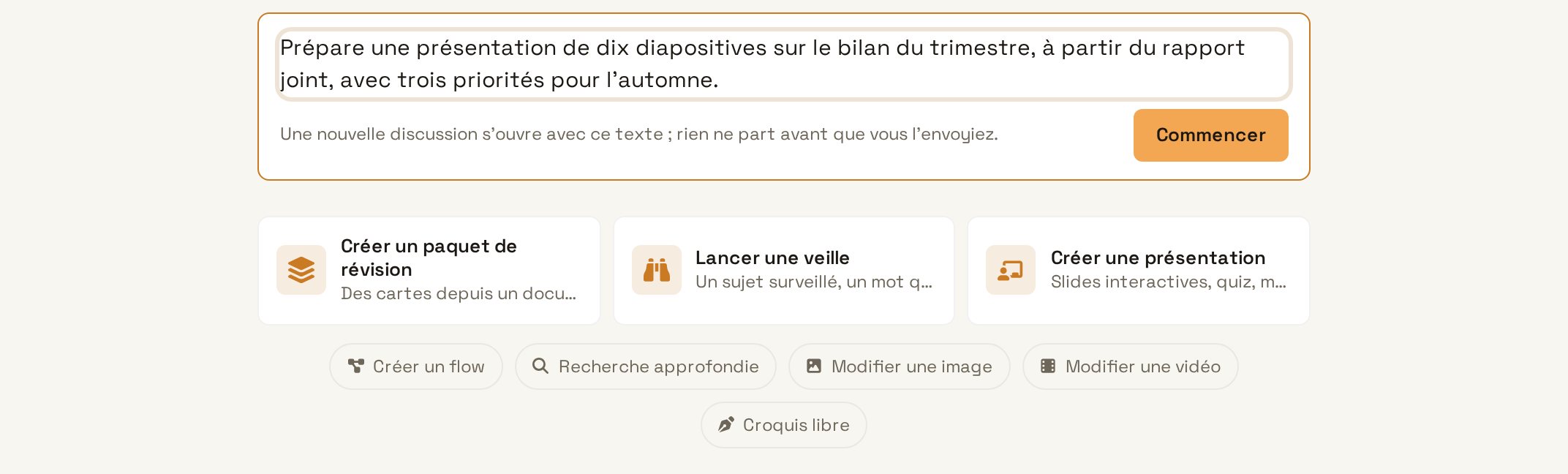
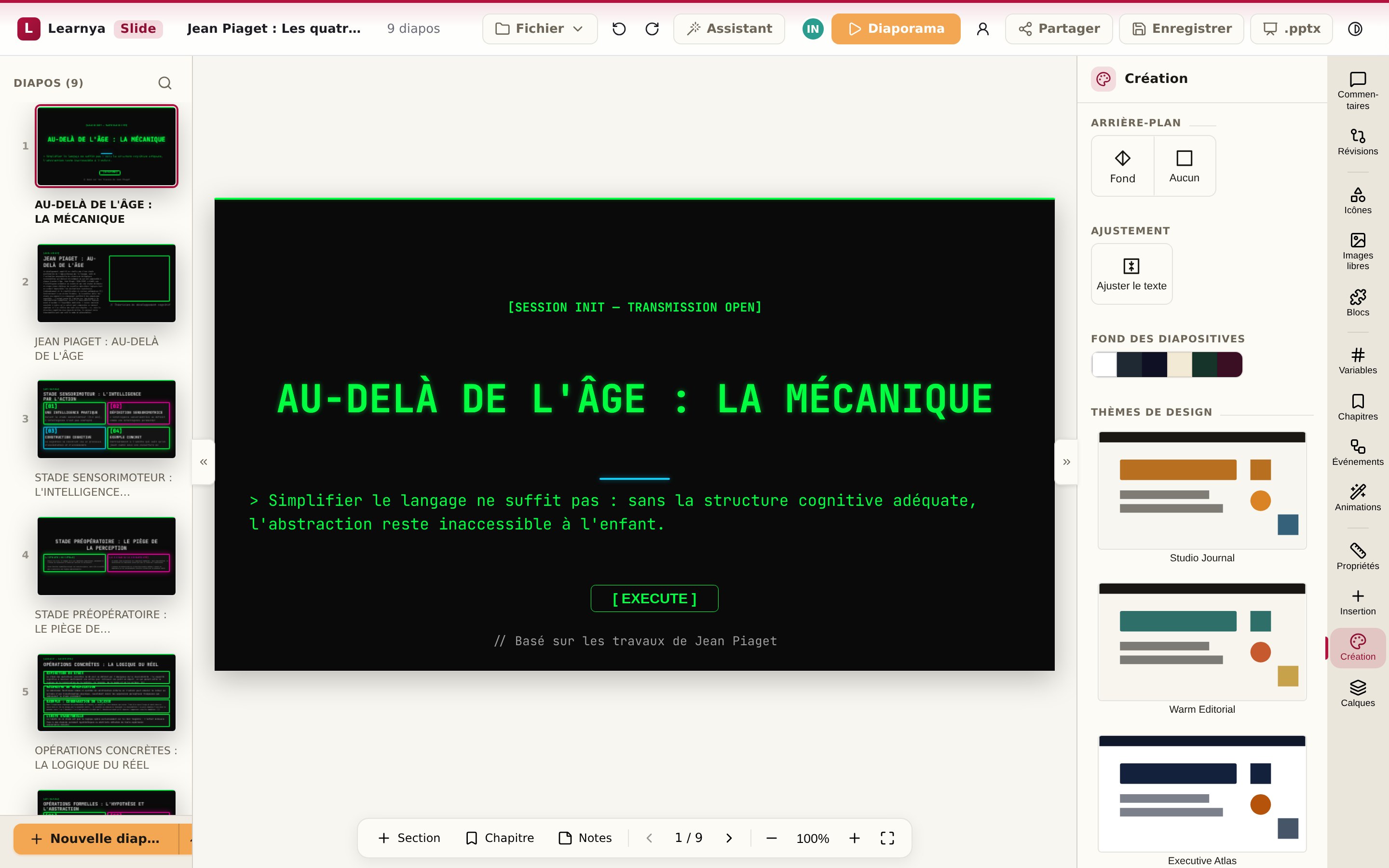
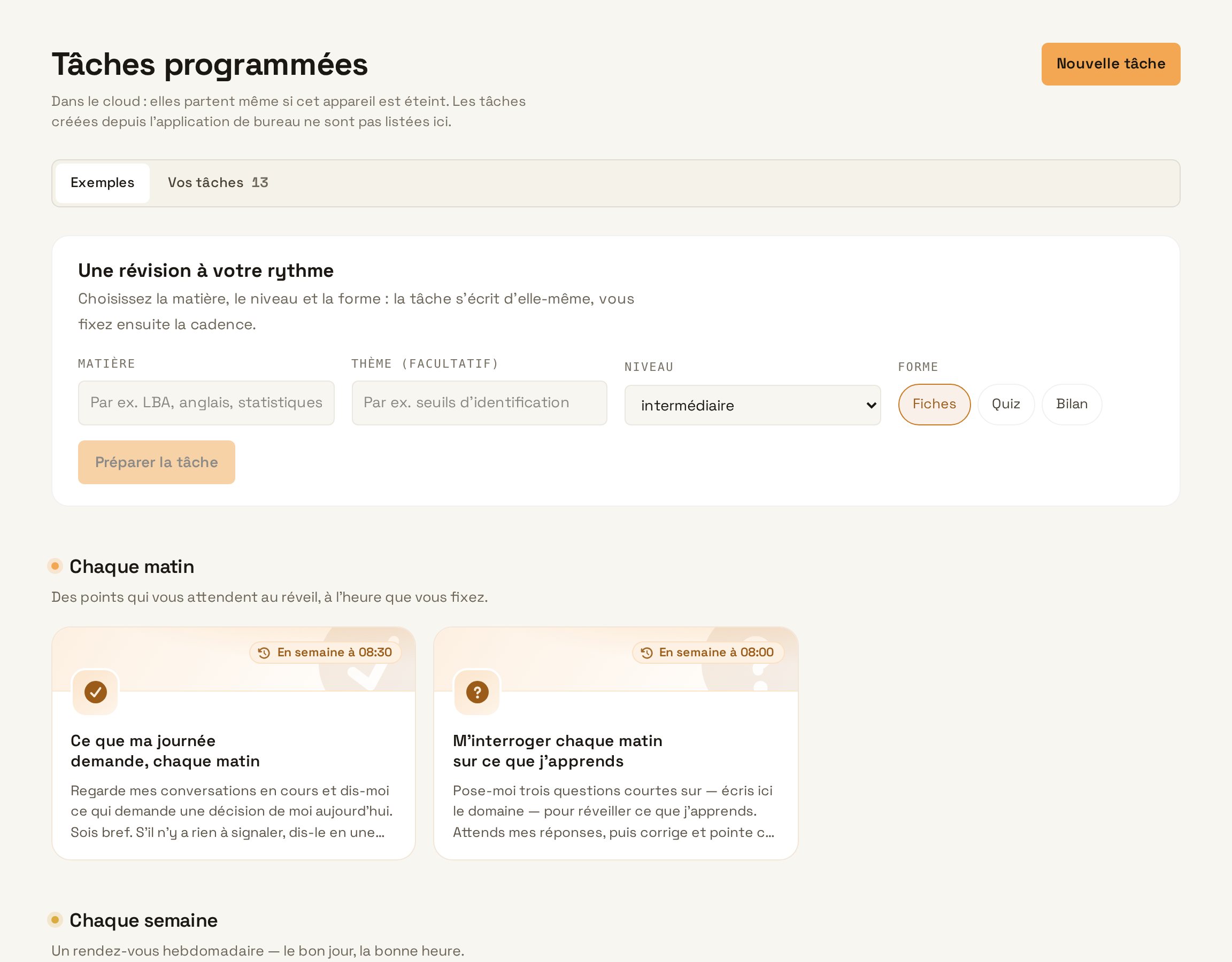
Courses, tutorials and use cases. Filter by type, product or team.
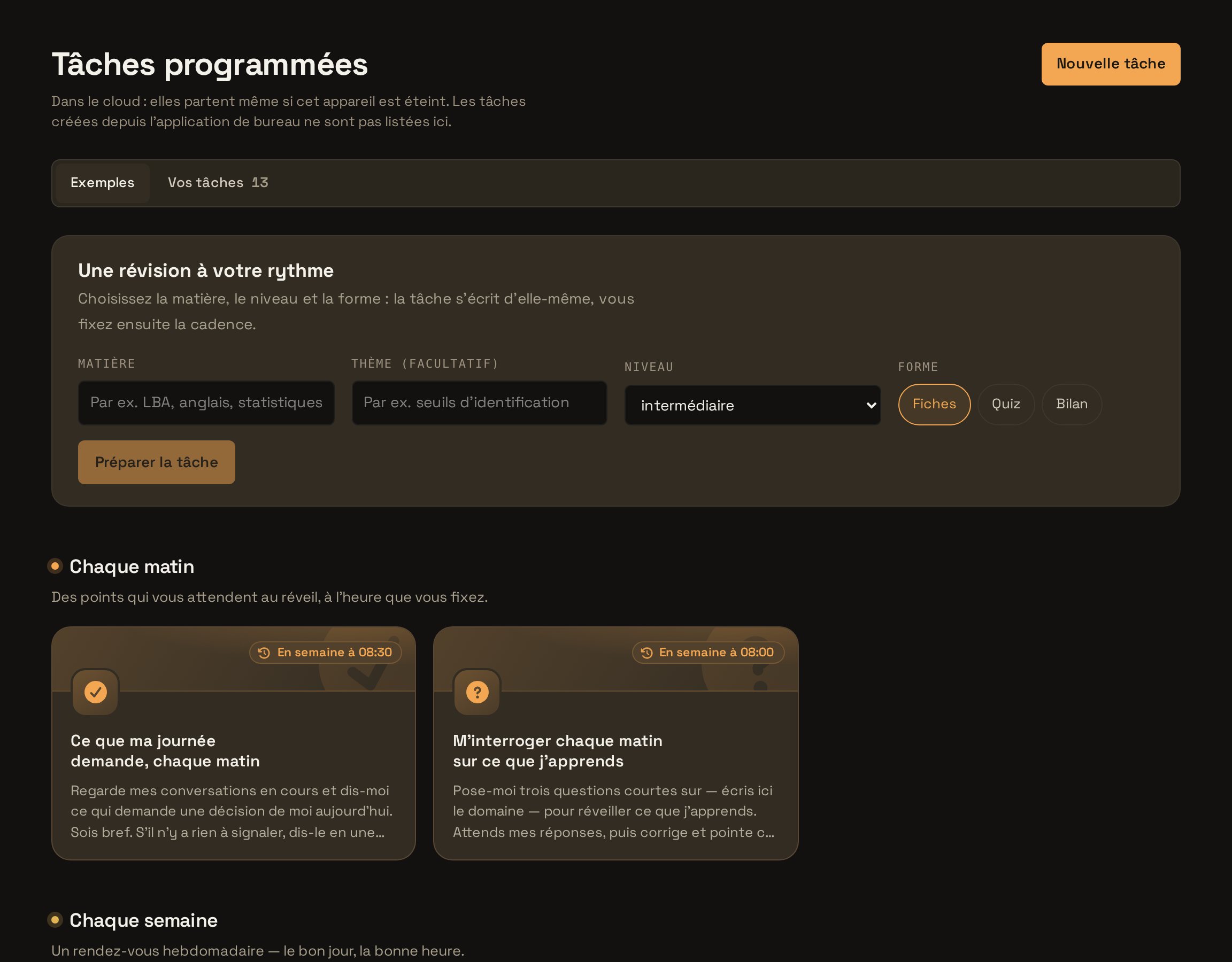
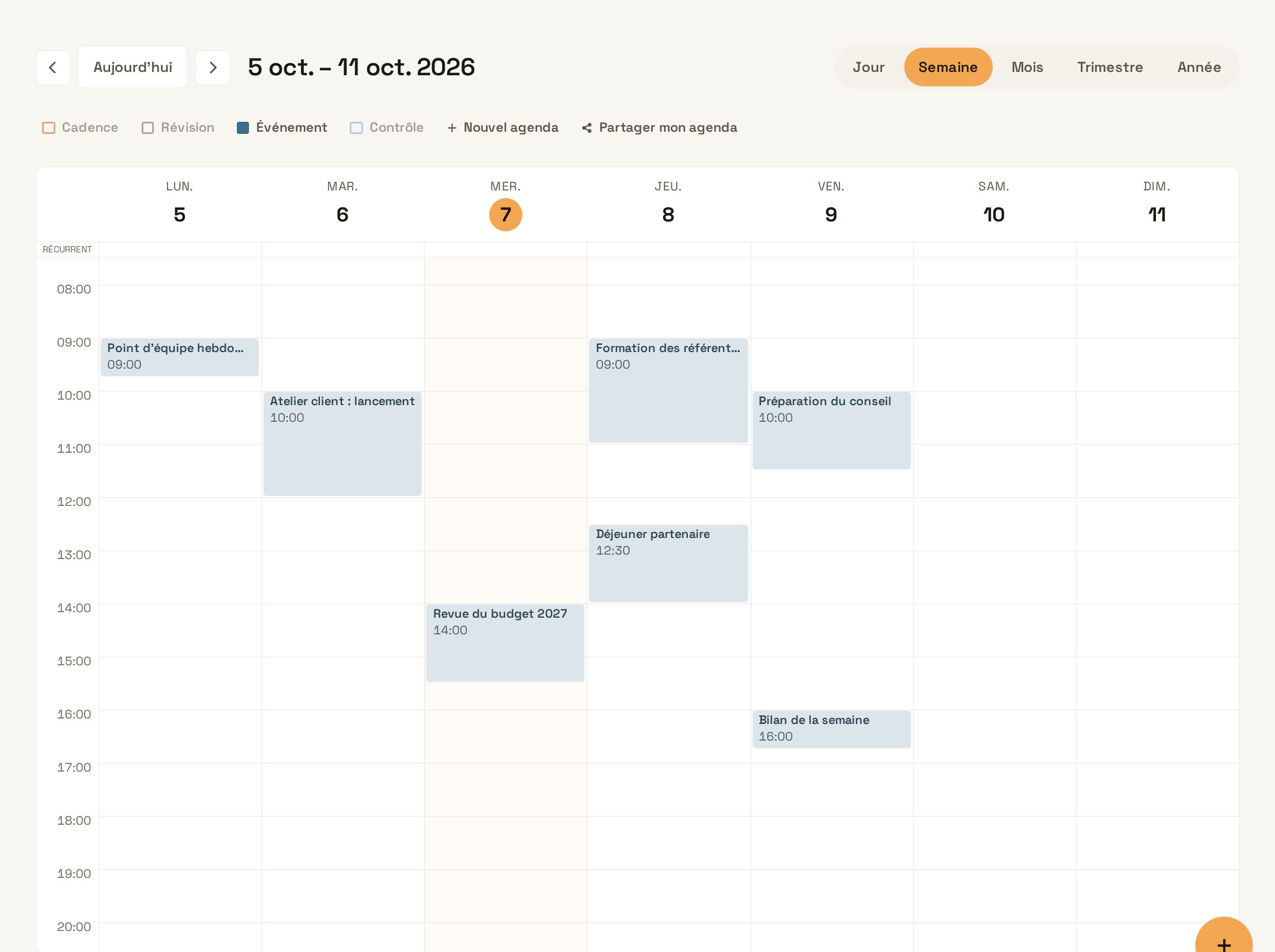
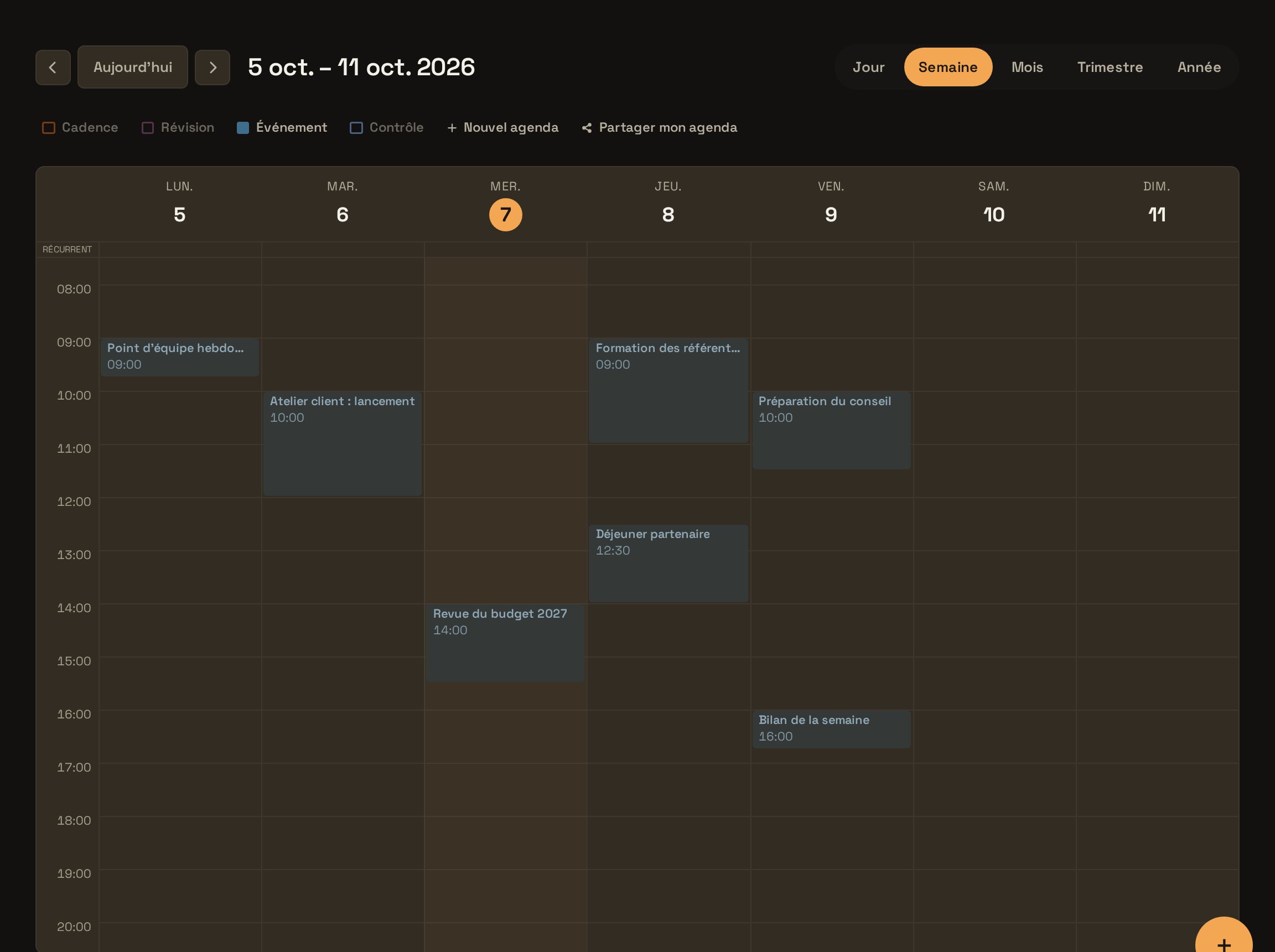
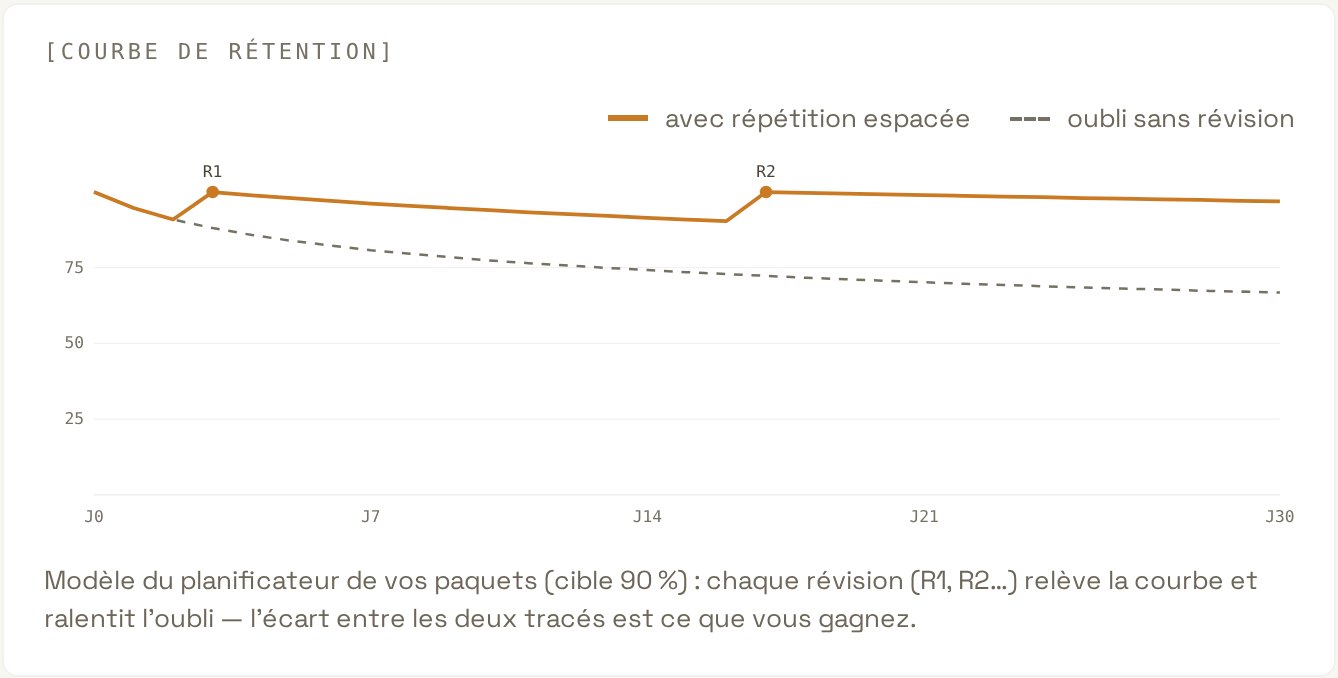
CourseGetting started with LearnyaThe essential moves to hand Learnya your first tasks and find your work again on all your devices. CourseDesigning assistants and automations for your teamA method for choosing what to hand over to Learnya, designing reliable assistants and improving them with the team. CourseRunning Learnya in an organisationManage access, govern assistants and meet data protection requirements. CourseAI fluency: working with an agentFour moves to delegate, specify, verify and sign off the work of an AI agent, day to day. CourseWhat AI can do, and its limitsUnderstand in plain words how models and agents work, what they do well and where they go wrong. CourseInside a language modelTokens, vectors, attention and training: what really happens between your question and the answer. CourseFrom model to systemContext, reasoning, retrieval-augmented generation, mixture of experts and where it runs: what turns a model into a reliable assistant. CourseEthical AI in practiceBias, transparency, accountability, law and environmental footprint, with documented cases and concrete actions. CourseAI and educationWhat research says about learning, AI tutoring, the teacher’s role and educational robotics. Tutorial · Agentic assistantYour first request and approvalsMake a multi-step request, follow Learnya’s plan and stay in control of every action that commits you. Tutorial · Office suiteCreate a deck from a documentTurn a Word or PDF report into a presentation ready to show, then fine-tune it in Deck. Tutorial · Office suiteBuild an e-learning lesson with a quiz and export it as SCORMCreate a Flow lesson with sections, exercises and multiple-choice questions, then export it for your training platform. Tutorial · Audio and voiceTranscribe a meeting and get the minutesRecord or import a meeting, get the transcript and minutes with decisions and actions. Tutorial · Drive and projectsOrganise a project in the DriveBring a project’s threads, documents, members and deadlines together in one place, with an assistant that knows its context. Tutorial · AutomationsSchedule a weekly reportHand Learnya a report that writes itself every week, at the time you choose. Tutorial · AutomationsSet up a watchMonitor pages, topics or sources and get notified when something really changes. Tutorial · Calendar and mailConnect a mailbox and let Learnya prepare the repliesLink your email account, decide what Learnya can do and confirm every message before it is sent. Tutorial · Calendar and mailShare your AgendaBring your calendars together, share your availability with your colleagues and let Learnya suggest slots. Tutorial · LearningCreate a review deck and use “Today”Generate review cards from a document and review what is due each day, without having to think about the schedule. Tutorial · LearningCreate a goal with “Make a plan”Describe a goal, let Learnya suggest the tracks to follow and find each step in “Today”. Tutorial · AdministrationInvite members and set rolesAdd your colleagues, assign the right roles and secure access to your workspace. Tutorial · DevelopersCall the API with the OpenAI SDKConnect an existing application to the Learnya API by changing only the address and the key of the OpenAI client. Use case · SalesPrepare a client meeting in ten minutesA one-page brief with context, likely needs and questions to ask, built from your notes and public sources. Use case · SalesFollow up on unanswered quotesSpot pending quotes and get a personalised follow-up draft for each one. Use case · SupportTurn the month’s tickets into an FAQGroup tickets by topic and get clear answers to the most frequent questions. Use case · SupportSort the support inbox every morningA scheduled task that sorts new messages and prepares simple replies before you arrive. Use case · MarketingPlan a month of postsTurn a white paper into a complete editorial calendar, texts and visuals included, published on the planned dates once you approve. Use case · MarketingFollow announcements in your sectorA weekly watch on your competitors’ public pages, with price changes flagged. Use case · FinanceAnalyse the quarter’s budget variancesCompare budget and actuals line by line and explain the variances that matter to the executive committee. Use case · FinanceCheck the month’s expense claimsEnter receipts into a spreadsheet automatically and spot expenses that break the policy. Use case · Human resourcesCreate the onboarding path for new employeesAn e-learning lesson, a quiz and a review deck drawn from your onboarding documents, ready to export to your platform. Use case · Human resourcesWrite a job ad and an interview guideA bilingual job ad, a structured interview guide and a template reply email, from the job description. Use case · LegalCompare a contract you received with your templateSpot every clause that departs from your template, with the risk and a replacement wording. Use case · LegalFollow data protection publicationsA weekly watch on the Federal Commissioner’s publications, checked against your record of processing activities. Use case · ManagementPrepare the board of directors’ packA deck and a memo for the directors, built from the quarter’s documents. Use case · ManagementGet a weekly activity briefingEvery Monday, one page that brings together your agenda, pending emails, failed tasks and decisions to make. Use case · EducationBuild a course sequence from a handoutAn interactive lesson, a deck for the classroom session and an audio narration, built from your materials. Use case · EducationAssess a cohort and reinforce what must stickA verified assessment, then a review campaign measured on each student’s retention. Use case · HealthWrite a clinical note after a consultationTranscribe a consultation and get a structured note, with no invented values. Use case · IndividualsPrepare a move without forgetting anythingA week-by-week plan, the deadlines in your agenda and a goal with milestones to track progress.