Creating a presentation with Deck
Generate a presentation, choose a theme and adjust it by hand.
ObjectiveBy the end of this lesson, you will be able to have a Deck presentation generated from a document, apply a theme to it, adjust it by hand and export it.
Deck is the presentation tool of the Office suite. You can build your slides yourself, or ask Learnya for a first version from a topic or a document. You then stay in control of every slide.
Try it in LearnyaPrepare a ten-slide presentation introducing our new expense claim procedure to the teams, based on the attached document. One message per slide, little text, and a questions slide at the end. Try in Learnya
What Deck can do
- Themes: a consistent visual identity applied to every slide.
- Animations: make elements appear in the order of your talk.
- Interactive blocks, quizzes and games: engage the room or check understanding.
- Narration: have each slide read aloud by speech synthesis.
- PowerPoint and PDF import and export: reuse an existing file or share the result.
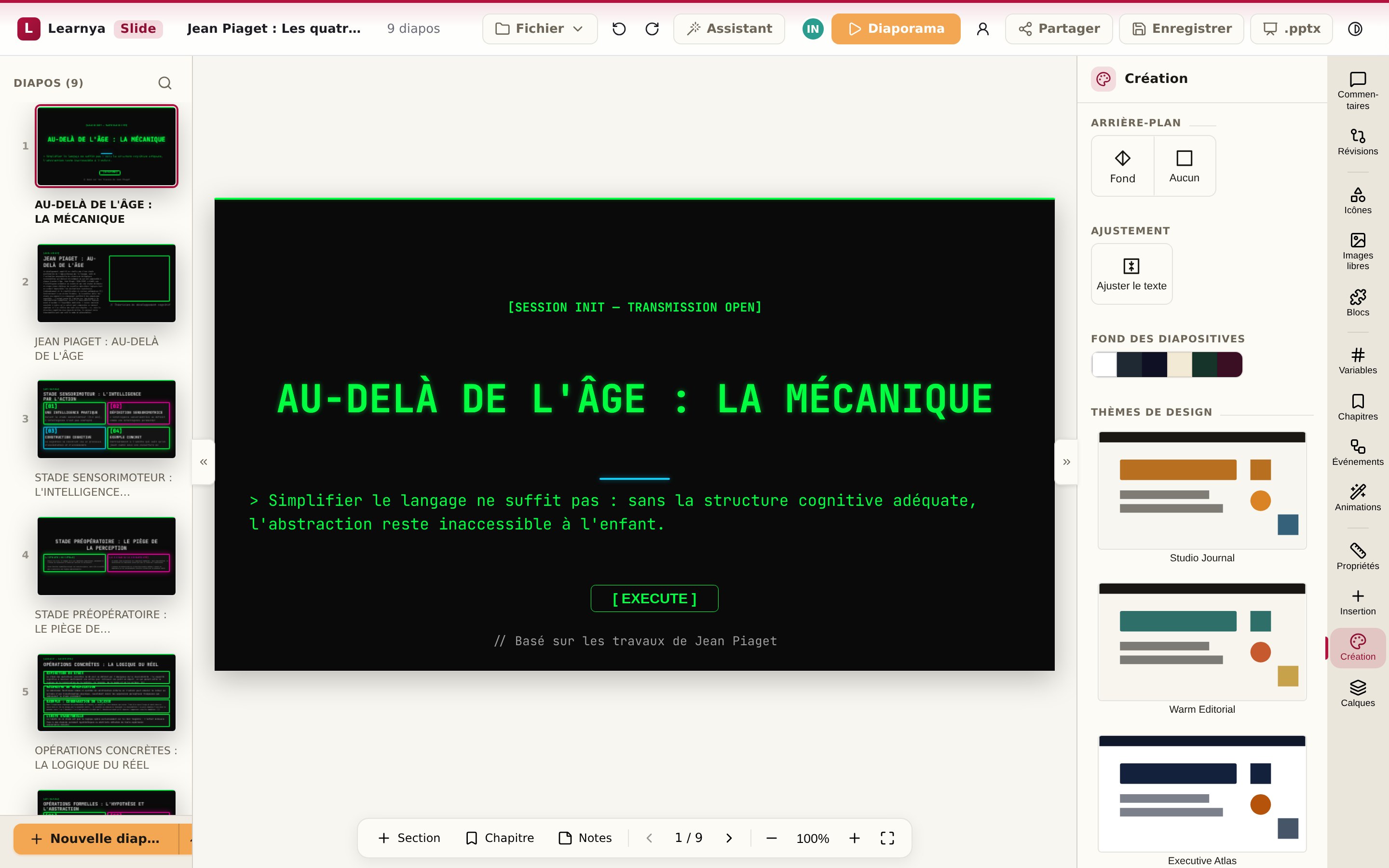
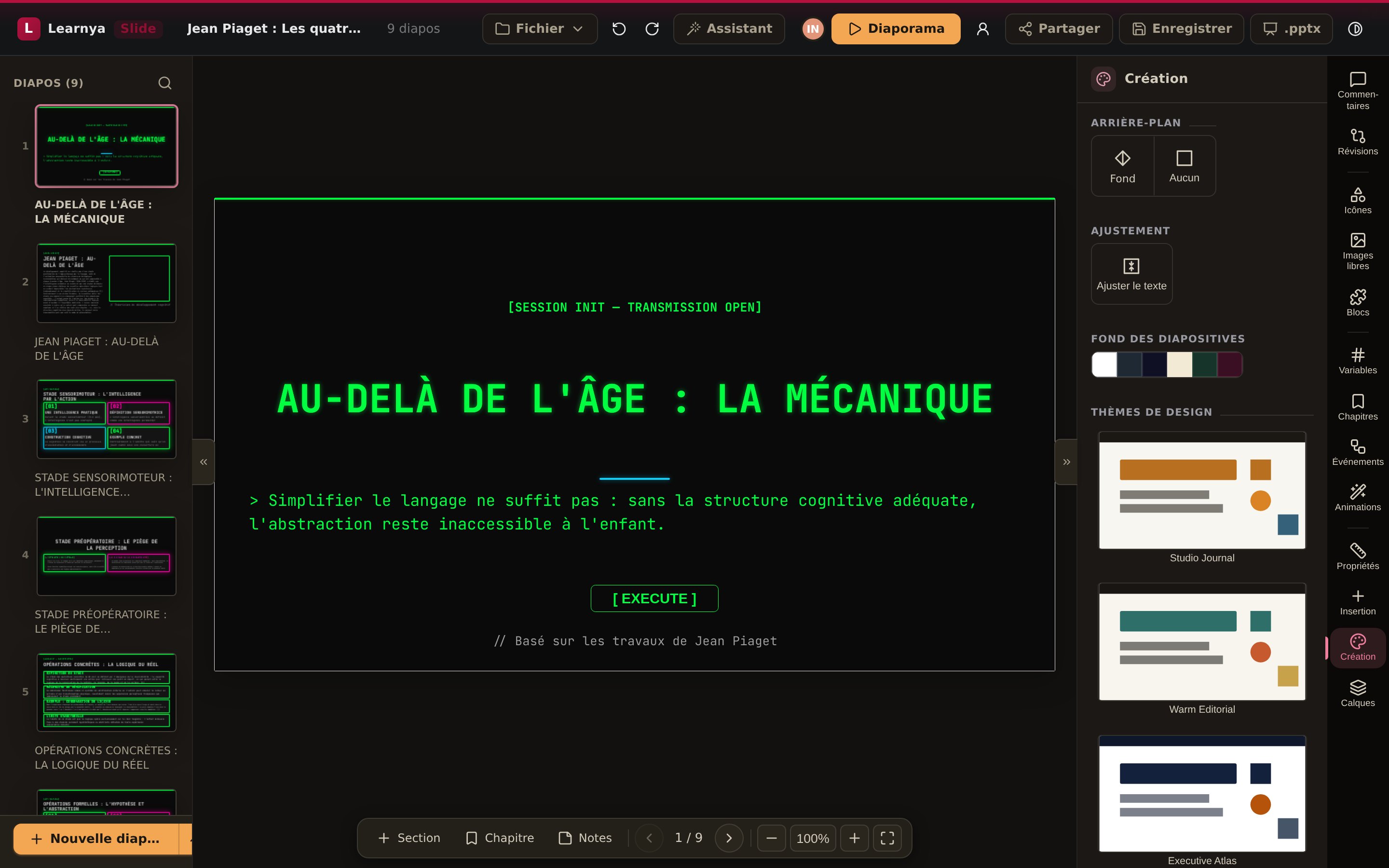
- Send your request in a conversation, with the source document attached.
- Open the resulting presentation from the conversation.
- Choose a theme and check that it applies to every slide.
- Click a piece of text to edit it directly.
- Add a quiz at the end to check understanding.
- Export to PowerPoint or PDF if you need to send it.
Working together
A presentation can be co-edited in real time. You see your colleagues’ presence, you leave comments on a slide and the revision history keeps every state. You can also ask Learnya to apply a correction to the whole presentation, for example shortening all the titles.